

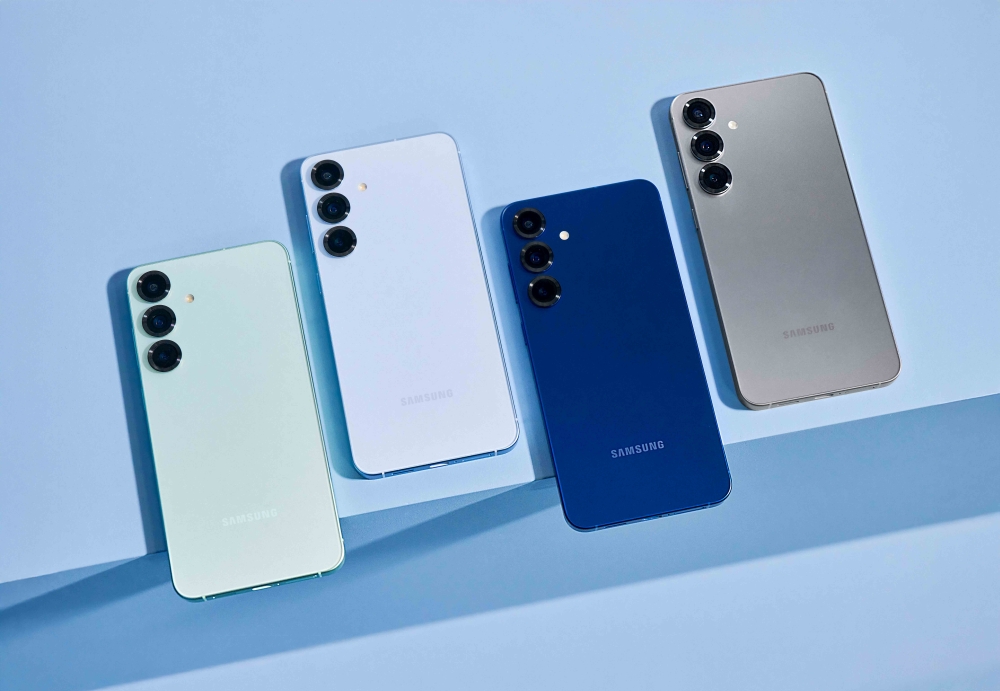
The Samsung Galaxy S25 Ultra One UI 8.5 update is becoming one of the most talked-about software releases in the Android world. Samsung continues to refine its premium smartphone experience, and this latest update delivers a cleaner design, smarter AI tools, improved performance, and stronger security features. According to reports from SamMobile, the stable rollout is already expanding to more countries, bringing exciting changes to users worldwide.
Samsung has spent years building One UI into one of the most polished Android interfaces available today. With the arrival of One UI 8.5 on the Galaxy S25 Ultra, the company is proving once again that software matters just as much as hardware. The update focuses on speed, intelligence, personalization, and user comfort.
In this detailed guide, we’ll explore every major aspect of the Samsung Galaxy S25 Ultra One UI 8.5 update, including features, improvements, rollout information, and future expectations.
⚡ What Is One UI 8.5?
One UI 8.5 is Samsung’s latest custom Android interface developed specifically for Galaxy devices. It builds upon previous One UI versions while introducing smarter AI functions, more refined visuals, and better system stability.
Samsung designed One UI to make large-screen devices easier to use. Over the years, it evolved from a simple Android skin into a feature-rich ecosystem that competes with the best mobile operating systems in the world.
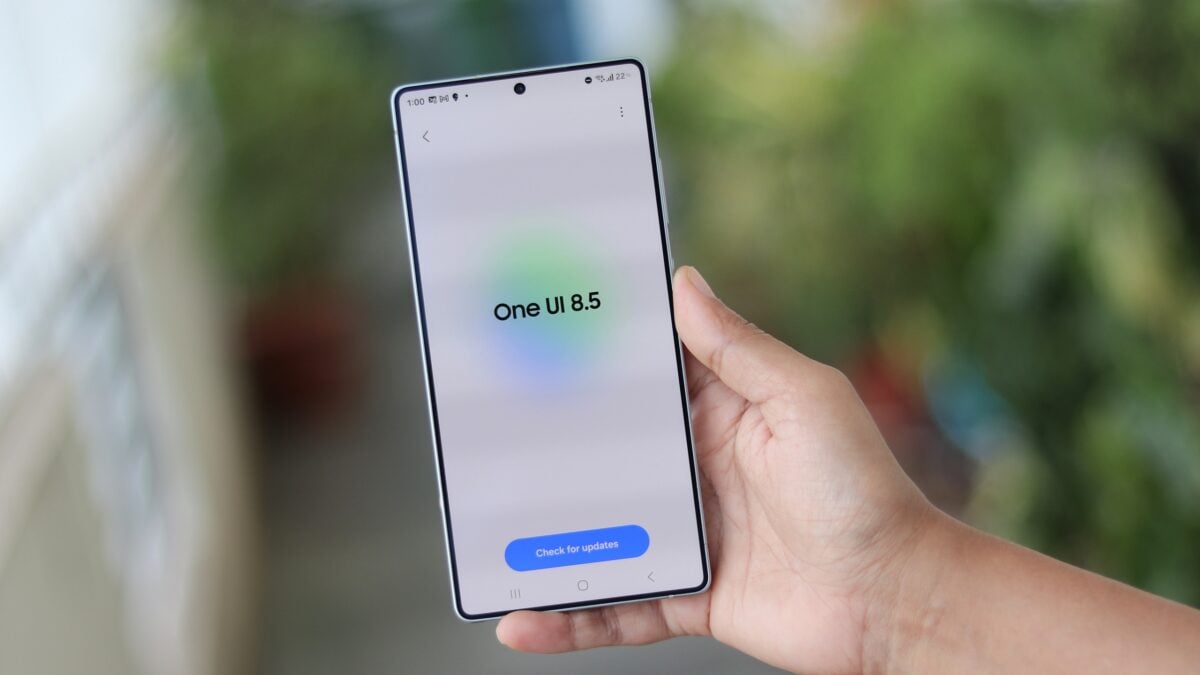
The Samsung Galaxy S25 Ultra One UI 8.5 update improves several core areas:
What makes this update especially important is its balance between performance and simplicity. Samsung didn’t overload the interface with unnecessary visual effects. Instead, it focused on making daily interactions feel smoother and more intuitive.
📊 Key Highlights of One UI 8.5
| Feature | Improvement |
|---|---|
| AI Assistance | Smarter recommendations and automation |
| Battery Management | Reduced background power usage |
| Camera Processing | Sharper photos with better HDR |
| Security | More transparent permission controls |
| User Interface | Cleaner and smoother animations |
| Gaming | Reduced latency and improved frame stability |
Samsung also optimized system resources so the Galaxy S25 Ultra can maintain high performance during demanding tasks like gaming, video editing, and multitasking.
🎨 Samsung Galaxy S25 Ultra Design Improvements
The Galaxy S25 Ultra already stands out as one of Samsung’s most premium smartphones. However, One UI 8.5 refines the overall experience by introducing subtle but meaningful design improvements.
Samsung focused heavily on visual consistency. Menus now feel cleaner, transitions appear more fluid, and widgets are easier to interact with. These changes may seem small at first glance, but together they create a more polished experience.
Refined Animations
One of the first things users notice after installing Samsung Galaxy S25 Ultra One UI 8.5 is the smoother animation system. Opening apps, switching between tasks, and pulling down notifications feel more responsive. Samsung adjusted frame pacing to create more natural movement across the interface. The result is a premium feel that matches the flagship hardware.
Improved Widget System
Widgets are now more adaptive and customizable. Users can: resize widgets more easily, stack multiple widgets together, access dynamic information quickly, match widget colors with wallpapers. This flexibility helps users personalize their home screens without making them look cluttered.
Better Accessibility Features
Samsung also improved accessibility tools in One UI 8.5. Features such as voice assistance, text scaling, and gesture controls are more accurate and easier to use. These upgrades demonstrate Samsung’s commitment to inclusive design.
⚙️ Performance Enhancements in One UI 8.5
Performance is one of the strongest aspects of the Samsung Galaxy S25 Ultra One UI 8.5 update. Samsung optimized the software to take full advantage of the device’s advanced processor and memory.
Improved memory management reduces background processes.
Dynamic allocation based on user behavior.
Thermal management sustains peak performance.
Fewer crashes, better Wi-Fi & Bluetooth.
Users report fewer random crashes, better Bluetooth connectivity, improved Wi-Fi stability, and faster biometric authentication. Together, these improvements make the Galaxy S25 Ultra feel more dependable in everyday use.
🤖 AI Features and Smart Tools
Artificial intelligence is at the heart of Samsung Galaxy S25 Ultra One UI 8.5. Samsung integrated AI into multiple areas of the operating system to simplify tasks and improve efficiency.
Grammar corrections, summarization, real-time translation.
Remove objects, enhance lighting, generate backgrounds.
Adaptive power usage extends battery life.
Hands-free control for apps, messages, smart home.
📷 Camera Upgrades and Imaging Improvements
Samsung’s Ultra series is famous for camera performance, and the Samsung Galaxy S25 Ultra One UI 8.5 update enhances the photography experience even further.
- Better HDR processing → accurate skin tones, shadow detail, reduced overexposure.
- Faster Camera App Response → quicker startup and smoother lens switching.
- Improved Night Photography → brighter and sharper low-light images.
- Enhanced Video Recording → better stabilization, autofocus, 8K processing.
🔋 Battery Optimization & Gaming Experience
Battery performance remains a top priority. Adaptive power management reduces idle drain, and Charging Intelligence preserves battery health via overnight optimization. During gaming, One UI 8.5 provides stable frame rates, reduced overheating, and efficient GPU performance.
🛡️ Security and Privacy Enhancements
Privacy and security are critical, and One UI 8.5 introduces stronger protection tools: real-time permission alerts, easier privacy dashboards, temporary access controls, enhanced Knox security, and safer public Wi-Fi usage.
Improved Permission Management gives users clearer explanations when apps request permissions, plus enhanced background monitoring.
💼 Productivity Features & S Pen
Advanced multitasking with resizeable windows, drag & drop between apps, save multitasking layouts. S Pen refinements: handwriting recognition, air gestures, note sync. Samsung DeX enhancements: desktop-like experience, faster window rendering, external display compatibility.
🌐 Connectivity, Ecosystem & Rollout
Seamless device pairing between Galaxy Buds, Watches, tablets, and laptops. Smarter cross-device features: copy-paste across devices, continue apps, share files instantly. Improved 5G & Wi-Fi stability.
Rollout details: Samsung has started expanding the stable rollout to additional countries. Check for update: Settings → Software Update → Download and Install. Availability depends on region and carrier.
📈 Comparison with Previous One UI Versions
| Feature | One UI 7 | One UI 8.5 |
|---|---|---|
| AI Features | Limited | Advanced AI integration |
| Battery Optimization | Good | Smarter adaptive management |
| Camera Processing | Strong | More natural HDR |
| Animations | Smooth | Ultra-fluid |
| Privacy Controls | Basic dashboard | Expanded monitoring |
| Gaming Performance | Stable | Better thermal optimization |
Samsung focused less on dramatic redesigns and more on meaningful improvements.
🔥 Why Users Are Excited About One UI 8.5
The excitement comes from its balanced approach: faster performance, better battery life, improved camera quality, smoother animations, and more useful AI tools. Many Galaxy users appreciate Samsung’s commitment to long-term software support.
🔭 Future Expectations
Future updates may include more advanced AI integration, deeper smart home connectivity, enhanced foldable support, better cloud sync, and expanded ecosystem features.
❓ Frequently Asked Questions (FAQs)
Samsung’s latest software update designed to improve performance, AI, privacy, and customization.
Gradual rollout to more countries depending on region and carrier.
Yes, adaptive battery management and smarter power optimization.
Absolutely – HDR, night photography, video stabilization, image quality.
Yes, optimized GPU scheduling, thermal performance, touch responsiveness.
Settings → Software Update → Download and Install.
Stronger permission controls, privacy dashboards, Knox security.
Some newer Galaxy devices may receive depending on Samsung’s support policy.
📌 Conclusion
The Samsung Galaxy S25 Ultra One UI 8.5 update represents another major step forward for Samsung’s software ecosystem. The company refined nearly every aspect of the user experience, from performance and battery efficiency to AI features and security.
Rather than focusing only on visual changes, Samsung prioritized meaningful improvements that affect daily usage. The result is a smoother, smarter, and more reliable smartphone experience. For Galaxy S25 Ultra users, One UI 8.5 delivers a polished flagship experience that combines cutting-edge hardware with advanced software intelligence. As Samsung continues expanding the rollout globally, more users will soon experience the benefits of this exciting update.
Whether you care about photography, gaming, productivity, customization, or privacy, Samsung Galaxy S25 Ultra One UI 8.5 offers something valuable for nearly every type of user.

If you have any doubts, Please let me know